
3D printing guide
3D Printed Fidget Spinners: Print-in-Place Settings That Actually Spin
Why some print-in-place spinners come off the bed fused solid, and the clearance, layer height and first-layer settings that make them spin on the first try.
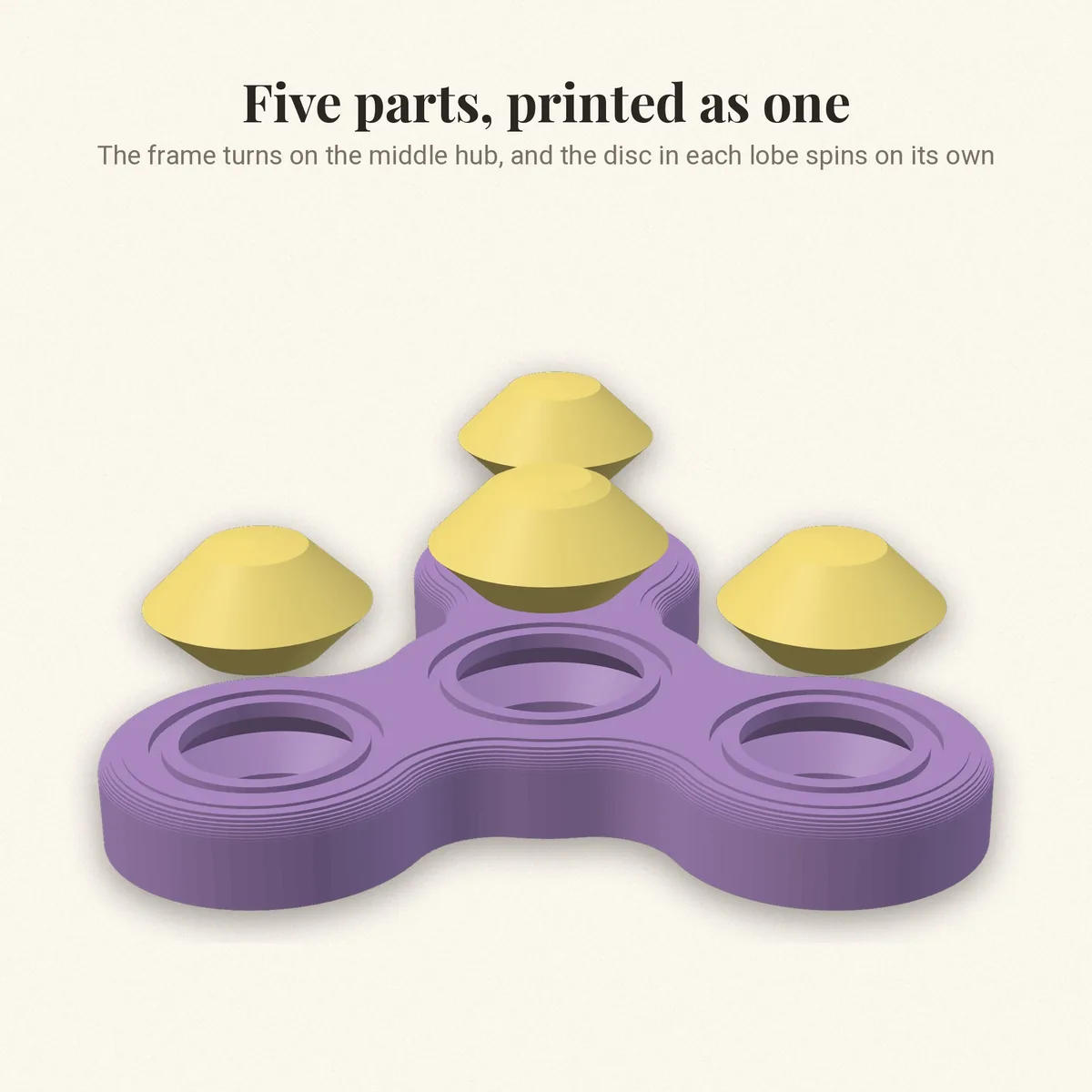
A print-in-place fidget spinner is one of the most satisfying things a 3D printer can make: the hub, the frame and the spinning parts print together, already assembled, and they turn the moment you pop the part off the bed. When it works. When it doesn't, you get a solid lump that will not move. The difference is almost always three settings.
How print-in-place works
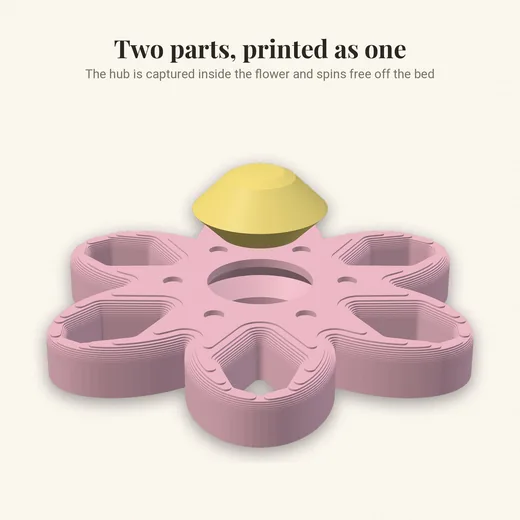
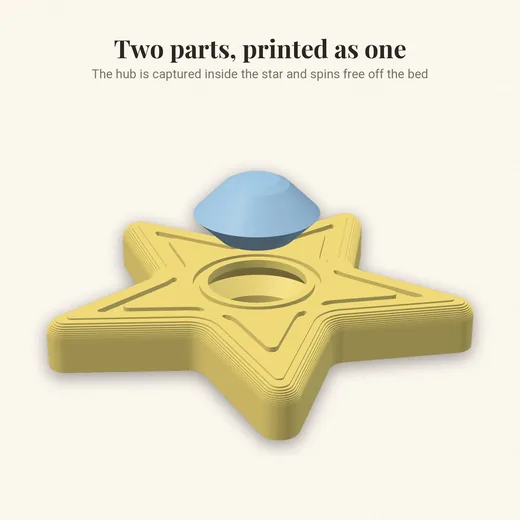
The moving parts are modeled with a small gap, called the clearance, between them. The printer lays plastic on both sides of that gap but never inside it, so the parts are separate even though they printed at the same time. If the gap is too small for your printer, the two walls touch and fuse.
Our Triple Fidget Spinner, for example, is 66 x 72 x 9.9 mm with five parts. Before it went up we measured it in software: the clearance between the moving parts is 0.45 mm and the thinnest wall is 1.37 mm. Those two numbers decide whether it spins.
The settings that matter
| Setting | Use | Why |
|---|---|---|
| Nozzle | 0.4 mm | The standard nozzle; a 0.45 mm gap is wider than one extrusion line |
| Layer height | 0.2 mm | Thinner layers do not help the gap and take longer |
| Walls | 3 | Strong rims that do not flex into the gap |
| Infill | 15 percent | Enough for weight without slowing the print |
| Supports | Off | Supports inside the gap glue the parts together |
| Brim | Off | It can bridge into the gap on the bottom layer |
| Material | PLA or PETG | PLA is easiest; PETG is tougher and spins smoother |
The first layer is where spinners die
Most fused spinners are fused only at the first layer. If your nozzle is a touch too low, the first layer squashes outward ("elephant's foot") and closes the gap at the bottom. Three fixes, in order:
- Re-level or re-run your bed mesh, and print a single-layer test square first.
- Turn on your slicer's elephant foot compensation (0.1 to 0.2 mm). Cura calls it "Initial Layer Horizontal Expansion" with a negative value.
- Lower the bed temperature by 5 °C for PLA so the first layer stays put but less soft.
Breaking it free
Even a good print can feel stiff at first. Hold the hub firmly and give each spinning part one sharp twist. You will feel a tiny snap as the first layer lets go; after that it should spin freely. A drop of dry PTFE lubricant helps PETG spinners spin longer.
Scale with care
Never scale a print-in-place model down: shrinking it to 80 percent also shrinks the 0.45 mm gap to 0.36 mm, and it fuses. Scaling up is safe and makes the gap bigger.
Spinners our customers print most
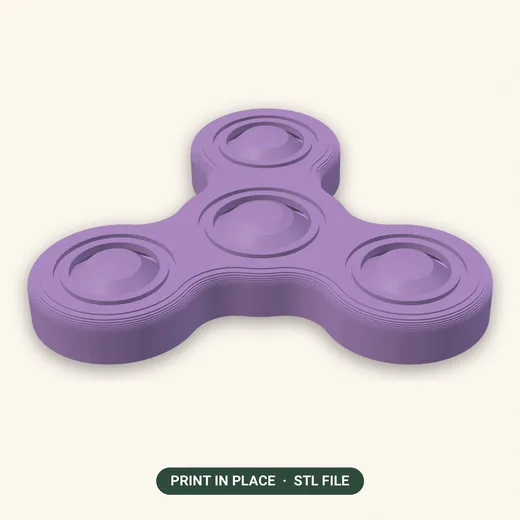
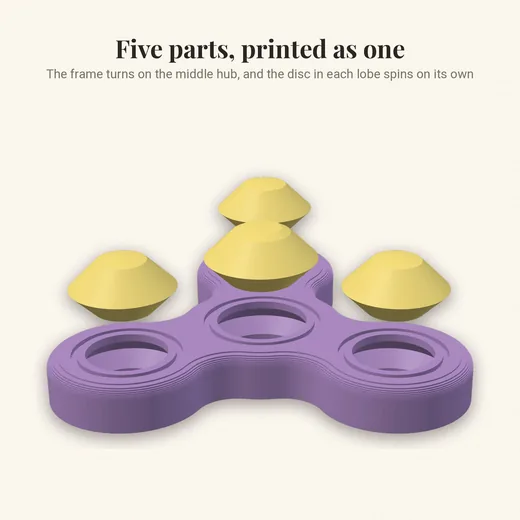
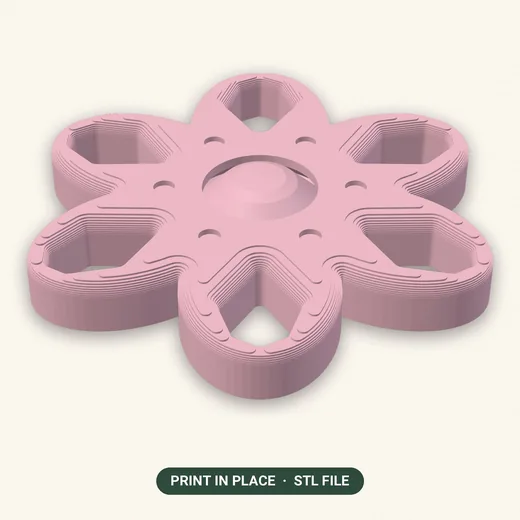
Every one of our STL files comes with a one-page PDF of print settings for that exact model. Browse all fidget spinners and toys or every 3D print file in the shop.